Let the group vote
on dinner and day trips
Ask a question, add between 2 and 10 options and let everyone in the trip vote. The results, and who voted for what, are visible from the first vote.
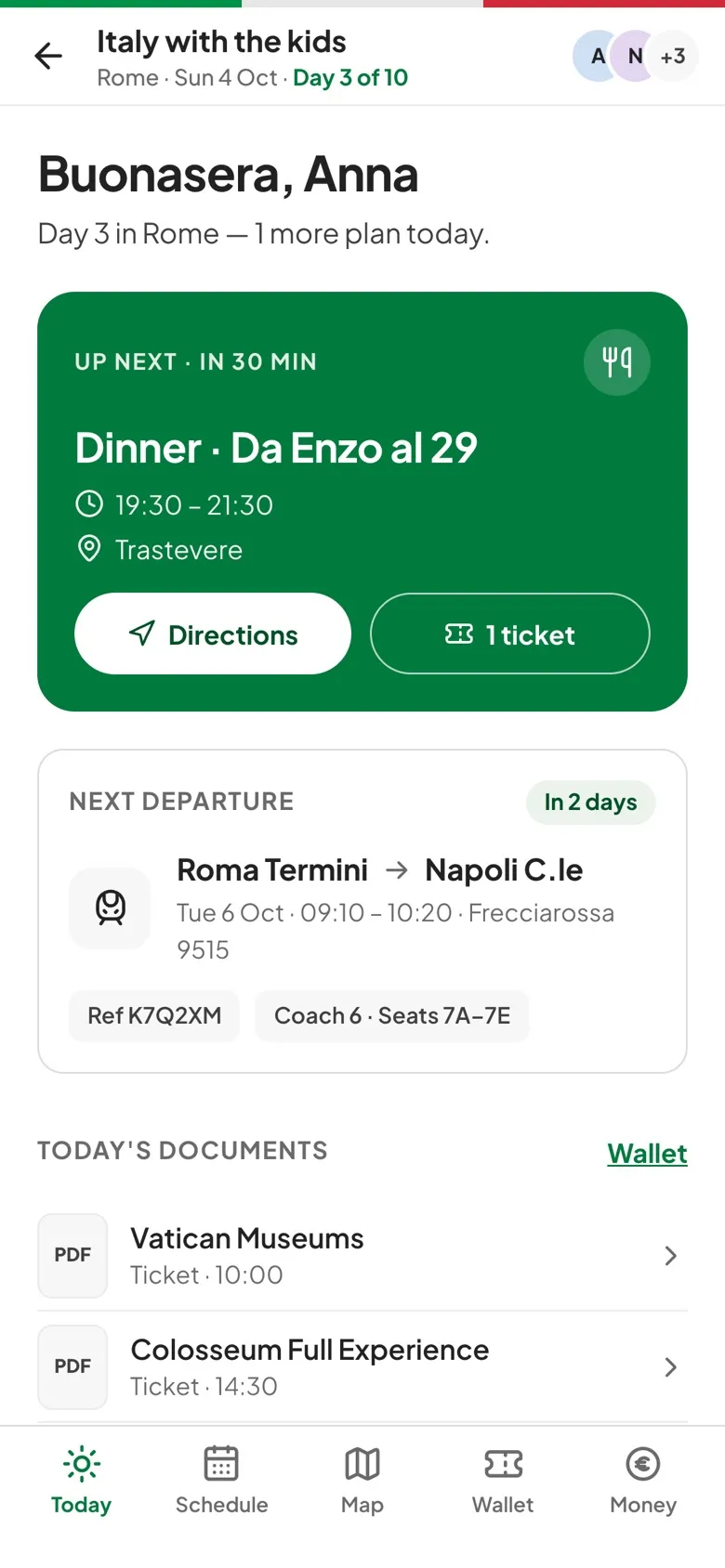
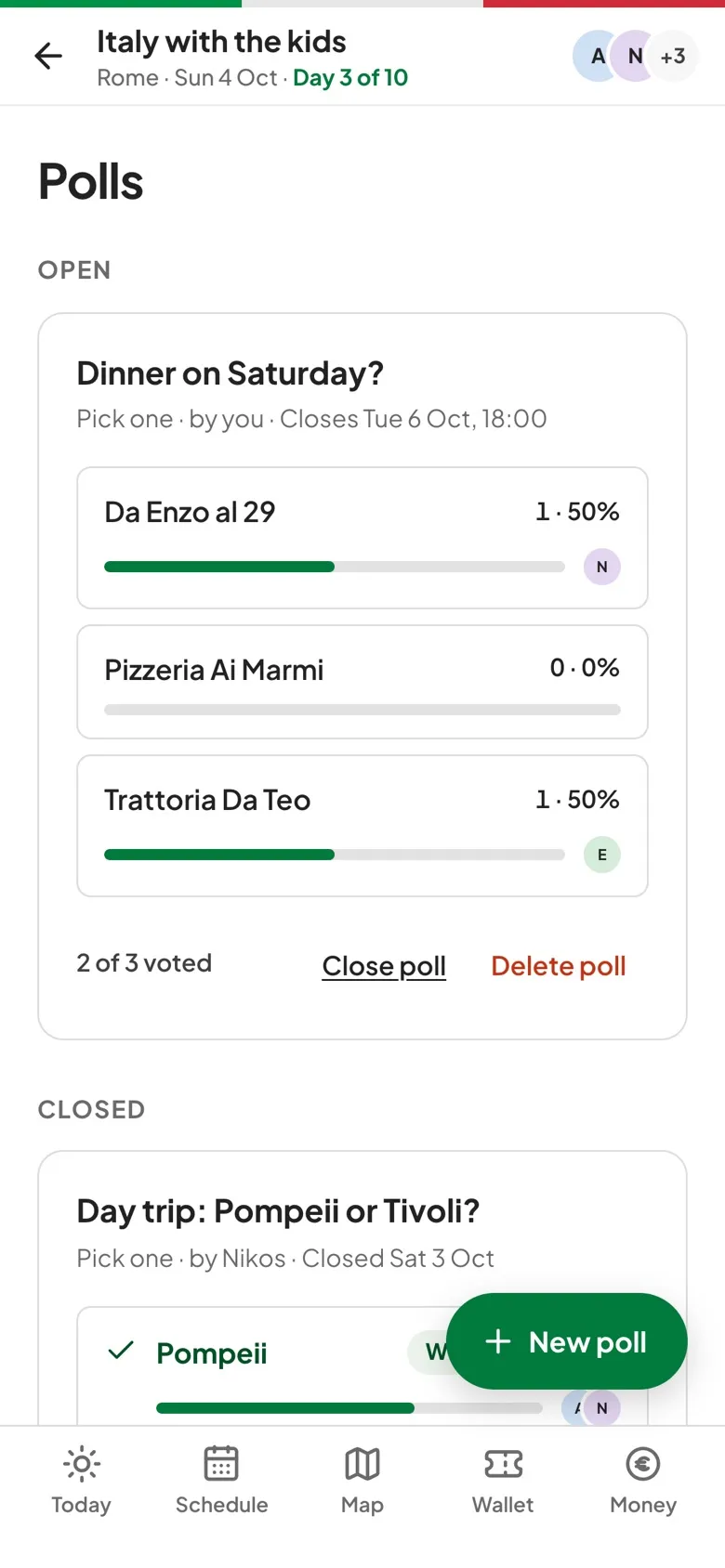
How polls works.
Pick one or pick any
A poll takes a single answer or several, and you can change your vote for as long as it's open.
Optional deadline
Set a closing date and time, or leave it open until the person who started it, or an organizer, closes it.
A clear winner
Once a poll closes, the option with the most votes is marked Winner, and options that tie are marked Tie.
Who has voted
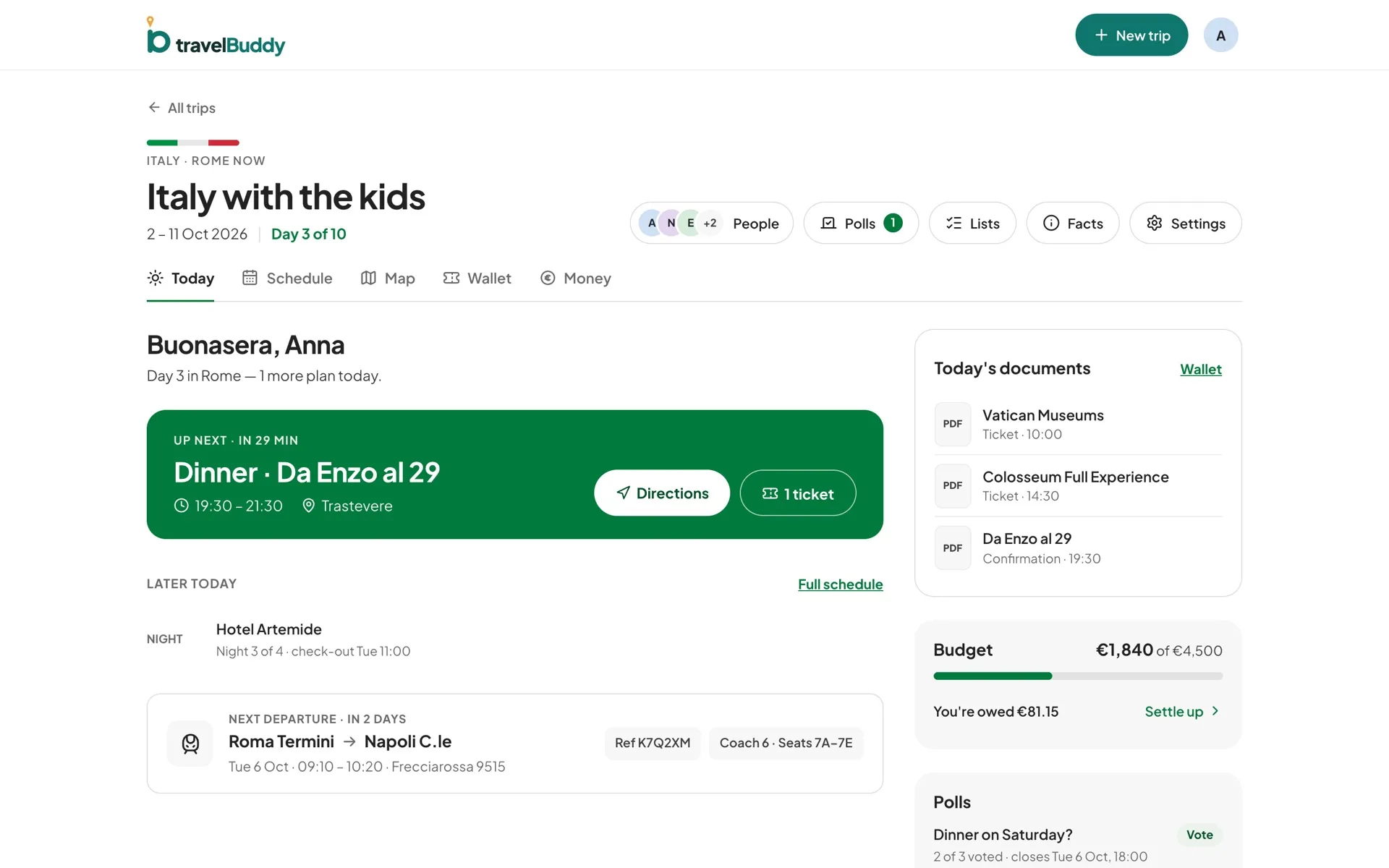
Each poll shows how many people have voted out of everyone with an account, and Today flags open polls still waiting for your vote.
Three steps to get going.
Start a poll
Tap New poll, write the question and add the options.
Choose the answer type
Pick one or Pick any, plus a closing time if you want one.
Close it
When the group has decided, close the poll and the winner is marked.
Questions, answered.
Are votes anonymous?
No. Everyone in the trip can see who voted for each option. Polls are made for small groups who already travel together.
Who can vote?
Anyone in the trip with an account, viewers included. Organizers and editors start polls. Children added without an account can't vote.
Can I edit a poll or vote offline?
Not yet. Options are fixed once a poll is created, so delete it and start again to change them. Polls are readable offline, but voting needs a connection.