Packing lists
the whole family can tick
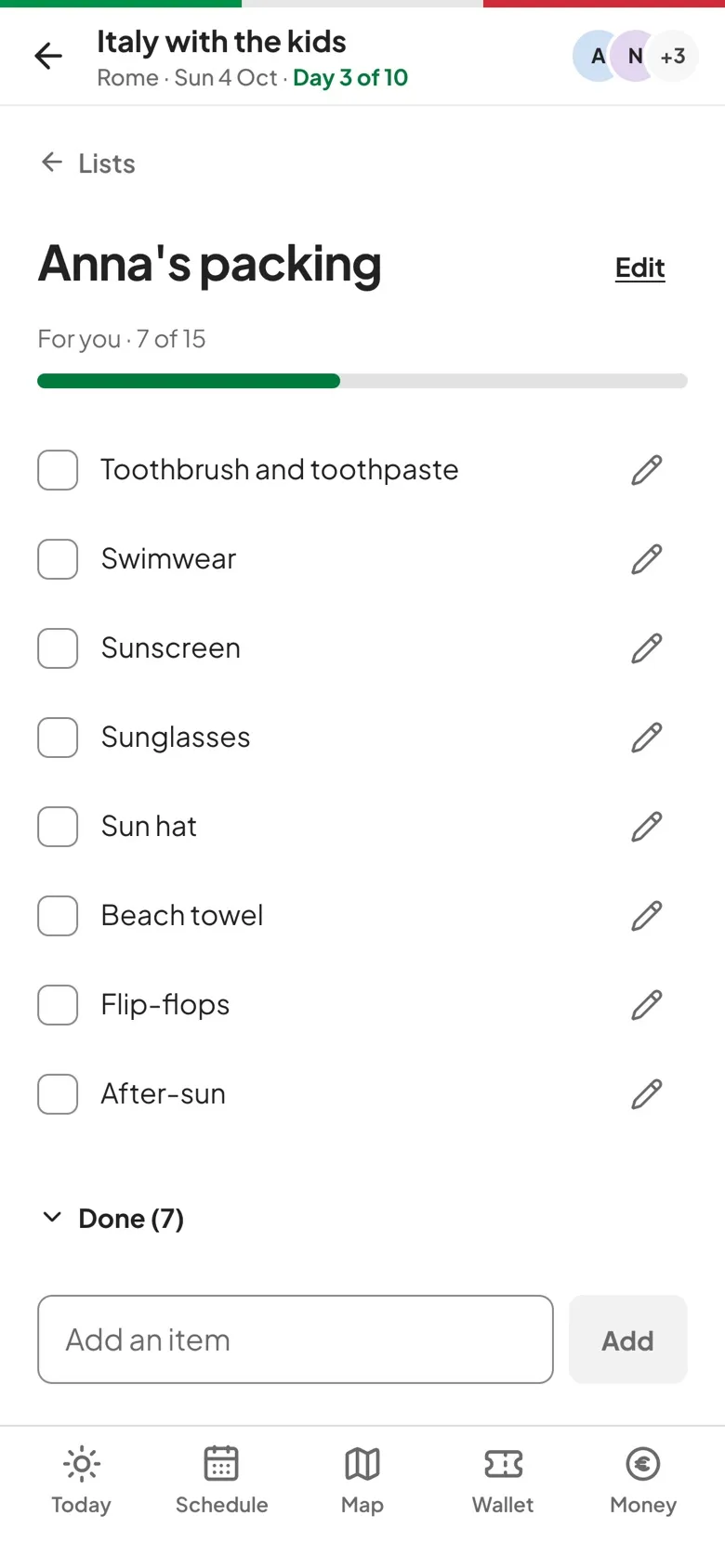
Make a list for everyone or for one person, children included, and tick things off together. Every ticked item shows who ticked it.
How packing lists works.
Shared or personal
A list is either for the whole group, like a Before we leave to-do list, or for one traveler, like a child's packing list.
Start from a template
Begin empty or from Essentials, Beach, Cold weather or Kids, then add, rename and delete items as you go.
See who ticked it
A ticked item carries the avatar of whoever ticked it and moves into a collapsed Done section at the end of the list.
Progress at a glance
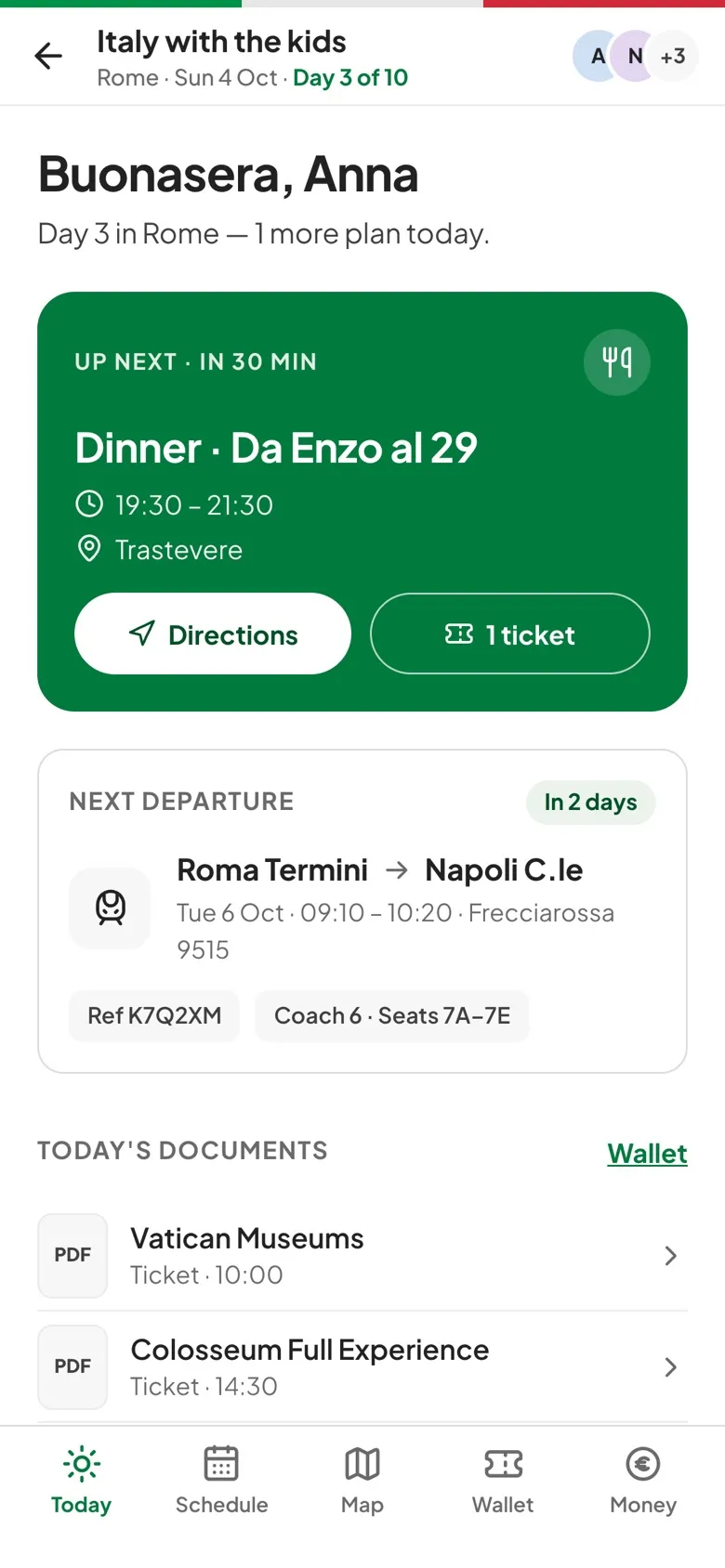
Every list shows how many items are done out of the total, and Today shows up to two unfinished lists, yours first.
Three steps to get going.
Start a list
Tap New list, give it a title and choose who it's for.
Pick a template
Prefill it with a set of items, or start empty.
Tick as you pack
Tap an item to tick it. Anyone in the trip with an account can tick items on any list.
Questions, answered.
Who can edit a list?
Organizers and editors can edit any list. Everyone else can edit lists made for them, and viewers can create lists for themselves.
Can I tick items offline?
Yes. A tick shows straight away and syncs when you're back online with the app open. Adding, renaming and deleting items need a connection.
Can I reorder items?
Not yet. Items stay in the order they were added, and ticked ones move to Done.