Made for places
with no signal
travelBuddy keeps your trip on the phone, so the schedule, your stops and your tickets open on a plane or in a metro tunnel. A dark bar tells you you're offline and when the data was last saved.
How offline works.
What works offline
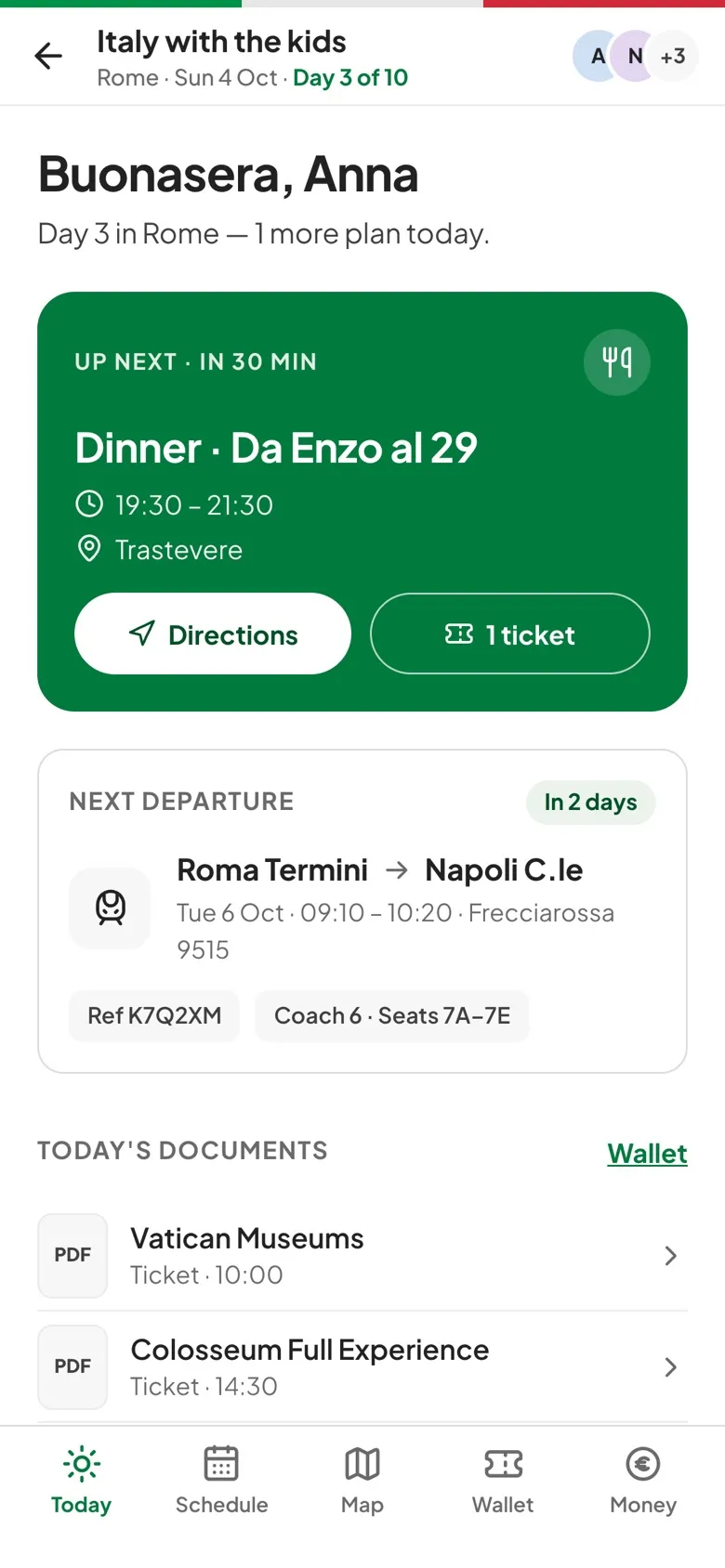
The schedule, Today, documents saved to the phone, polls, lists, quick facts and map areas you've already viewed all open without a connection.
What syncs later
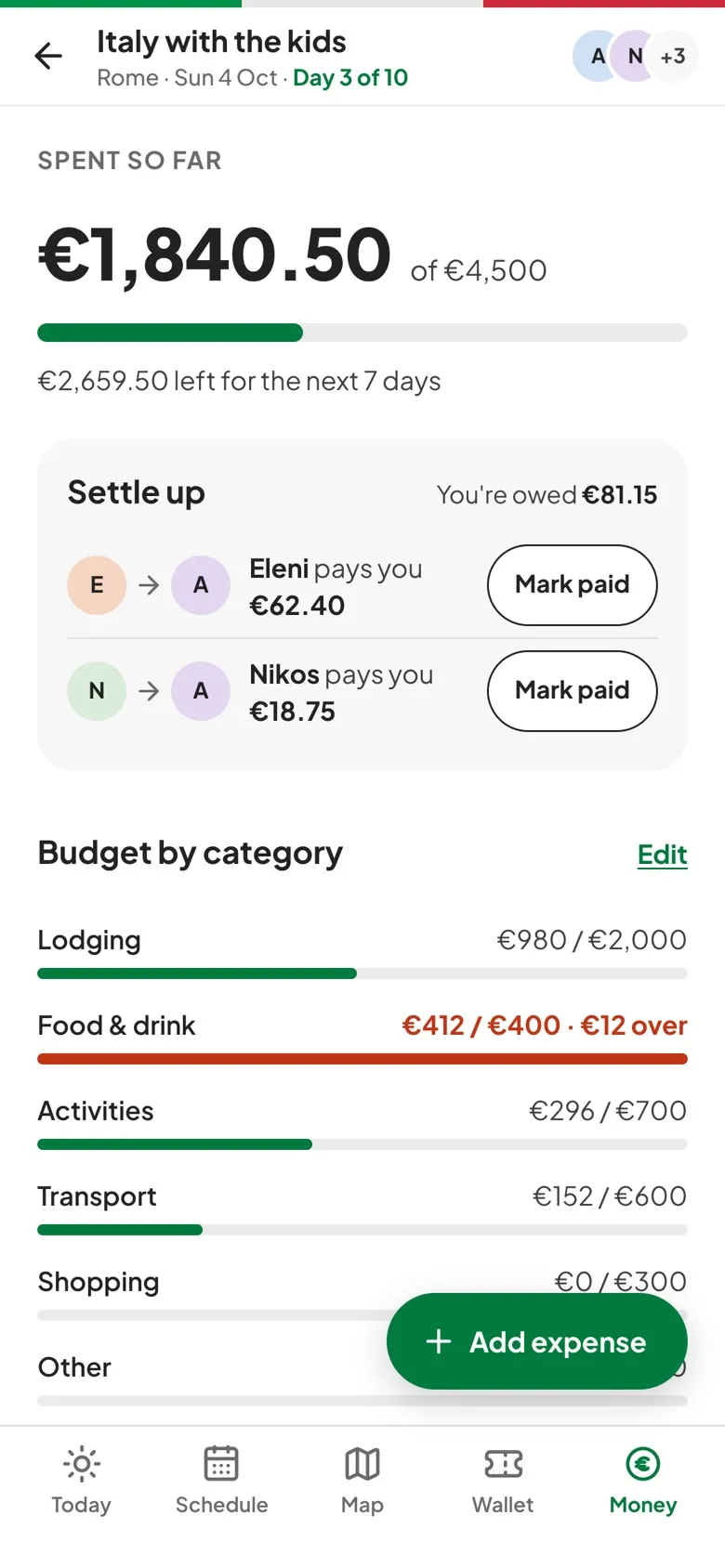
New expenses, Mark paid, ticks on lists and new ticket uploads wait on the phone and send themselves once you're back online.
What needs a connection
Editing plans, voting, editing lists, invites, budgets and changes to expenses that already synced are paused, with a Needs connection note.
Ready before you go
Trips that are on now or start within 14 days refresh when the app opens online, and their documents download to the phone.
Three steps to get going.
Open the trip online
That saves it to the phone, and trips within 14 days keep themselves up to date.
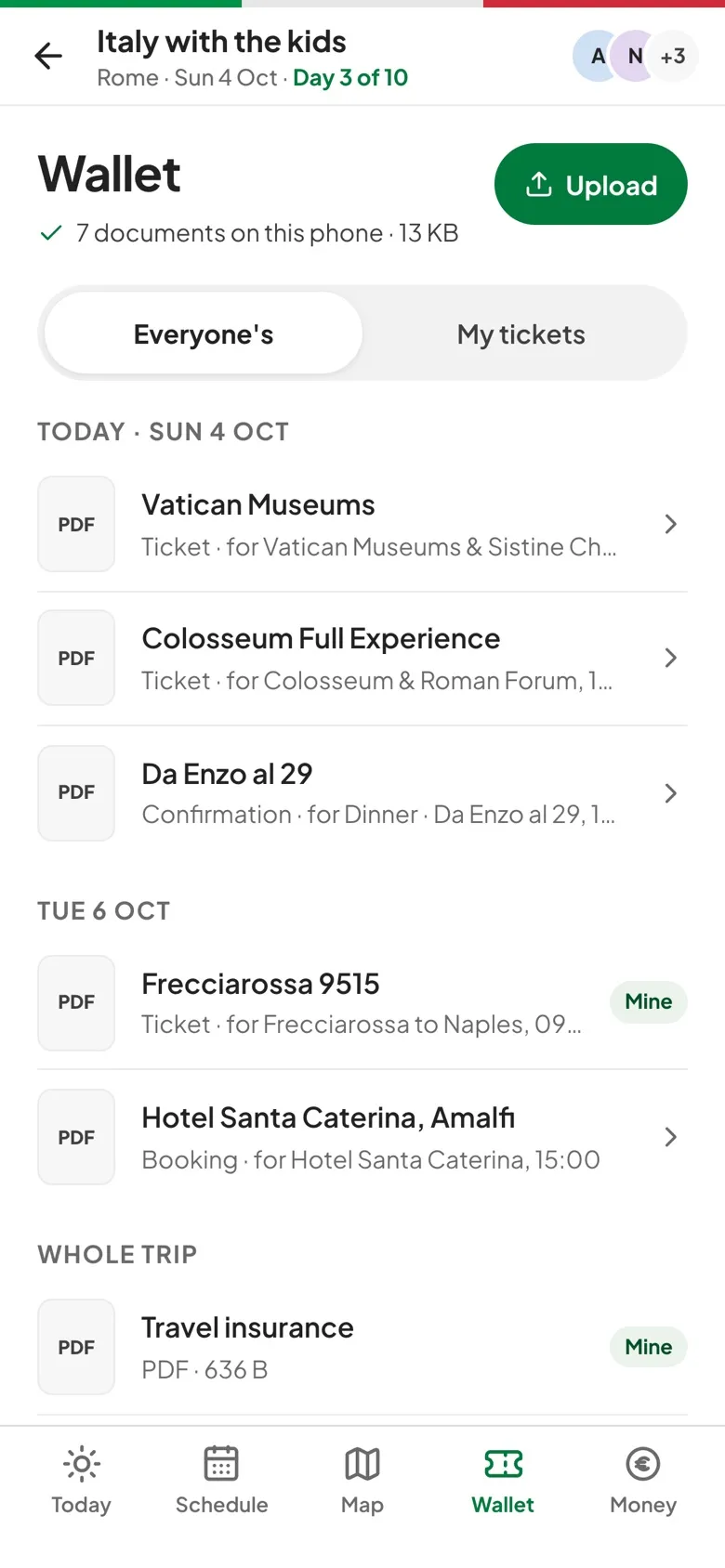
Check the Wallet
It shows how many documents are on this phone.
Carry on offline
Log expenses, tick lists and add tickets as usual, and they send when the connection returns while the app is open.
Questions, answered.
What if an offline expense can't be saved?
It's marked Couldn't sync with the reason, and you choose Retry or Discard. It's never dropped without you deciding.
Do uploads happen in the background?
Only while the app is open. Background sync isn't built yet, so open travelBuddy once you're back online.
Can I edit the schedule or vote offline?
Not yet. Both need a connection. Offline you can read everything already saved, log expenses, tick lists and queue tickets.