Tickets and bookings,
saved on every phone
Upload a ticket once and travelBuddy keeps a copy on each traveler's phone, so it opens at the gate even with no signal. Documents are grouped by the day and the plan they belong to.
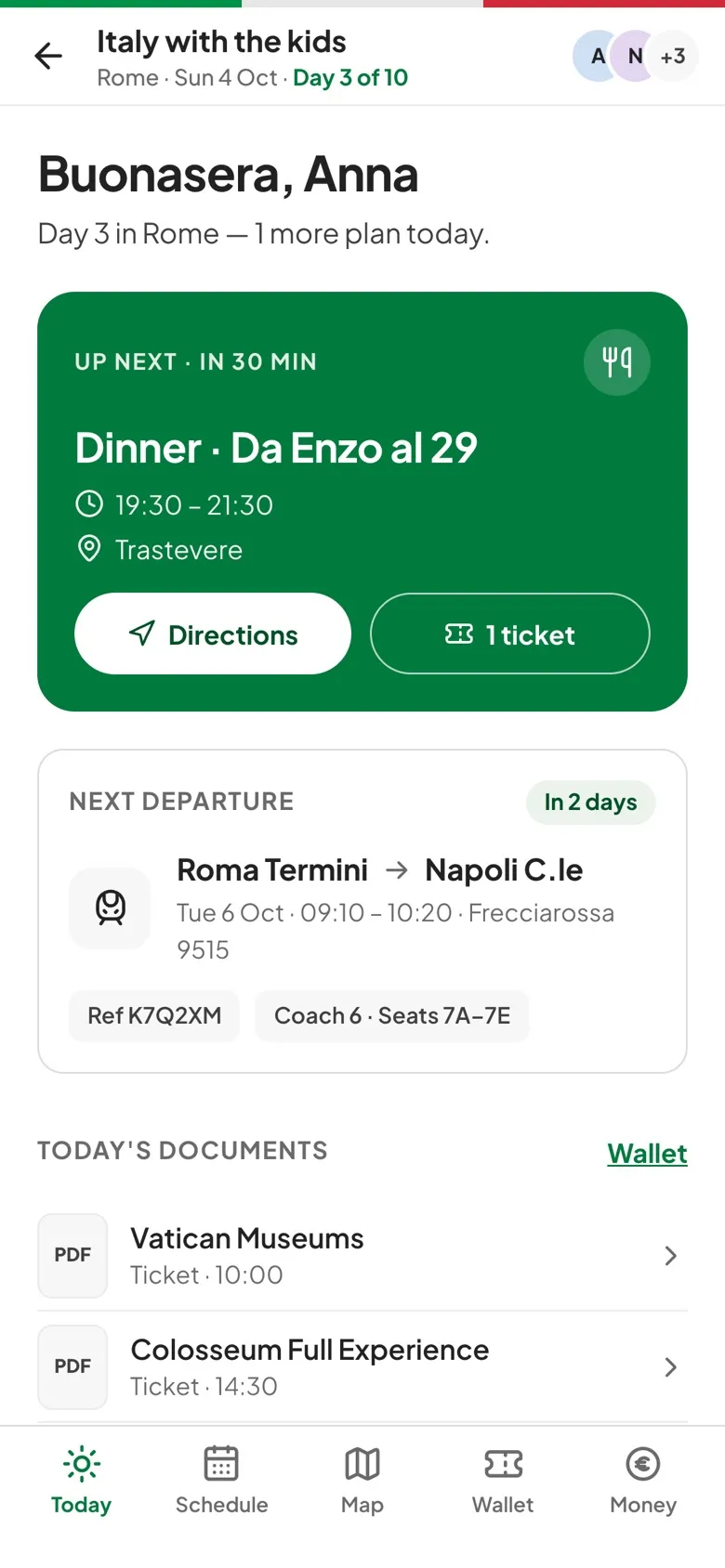
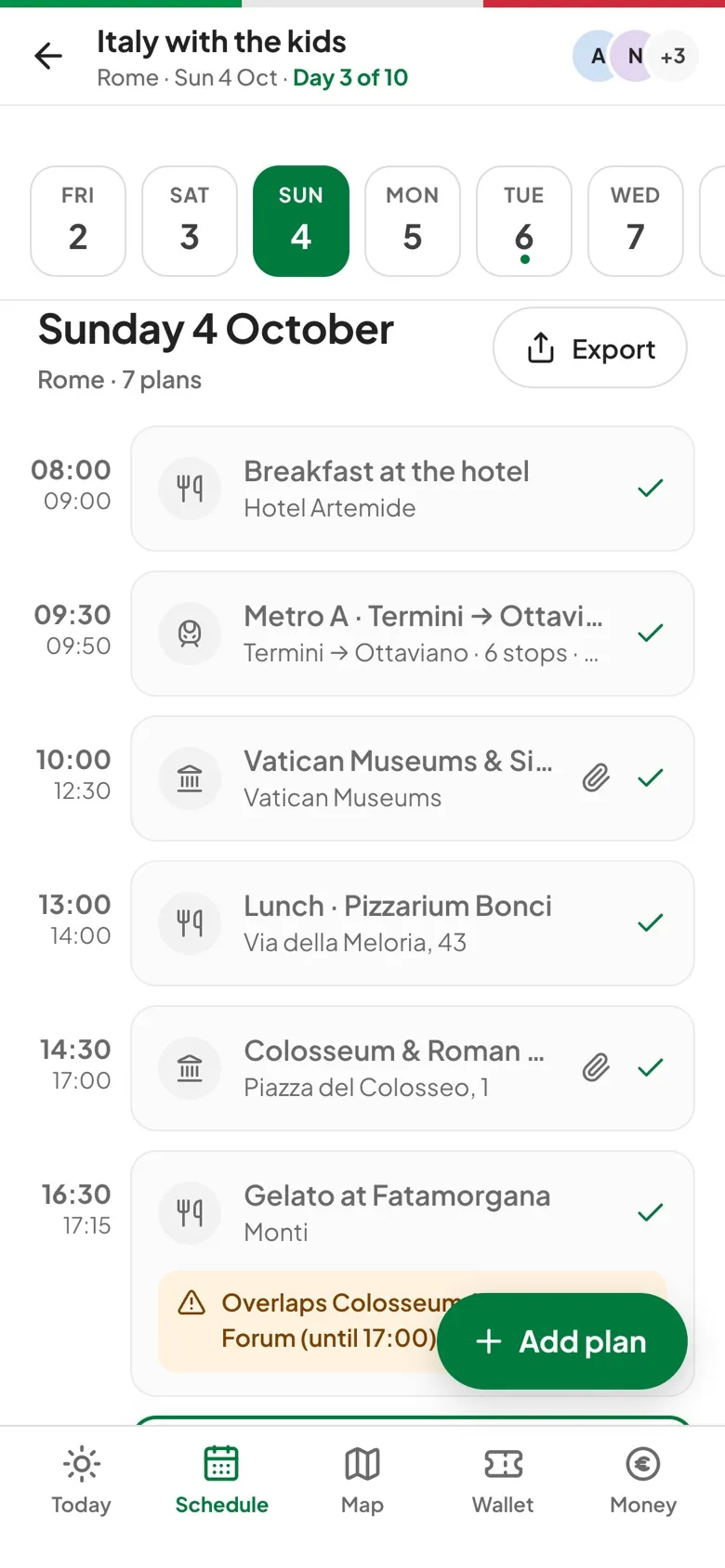
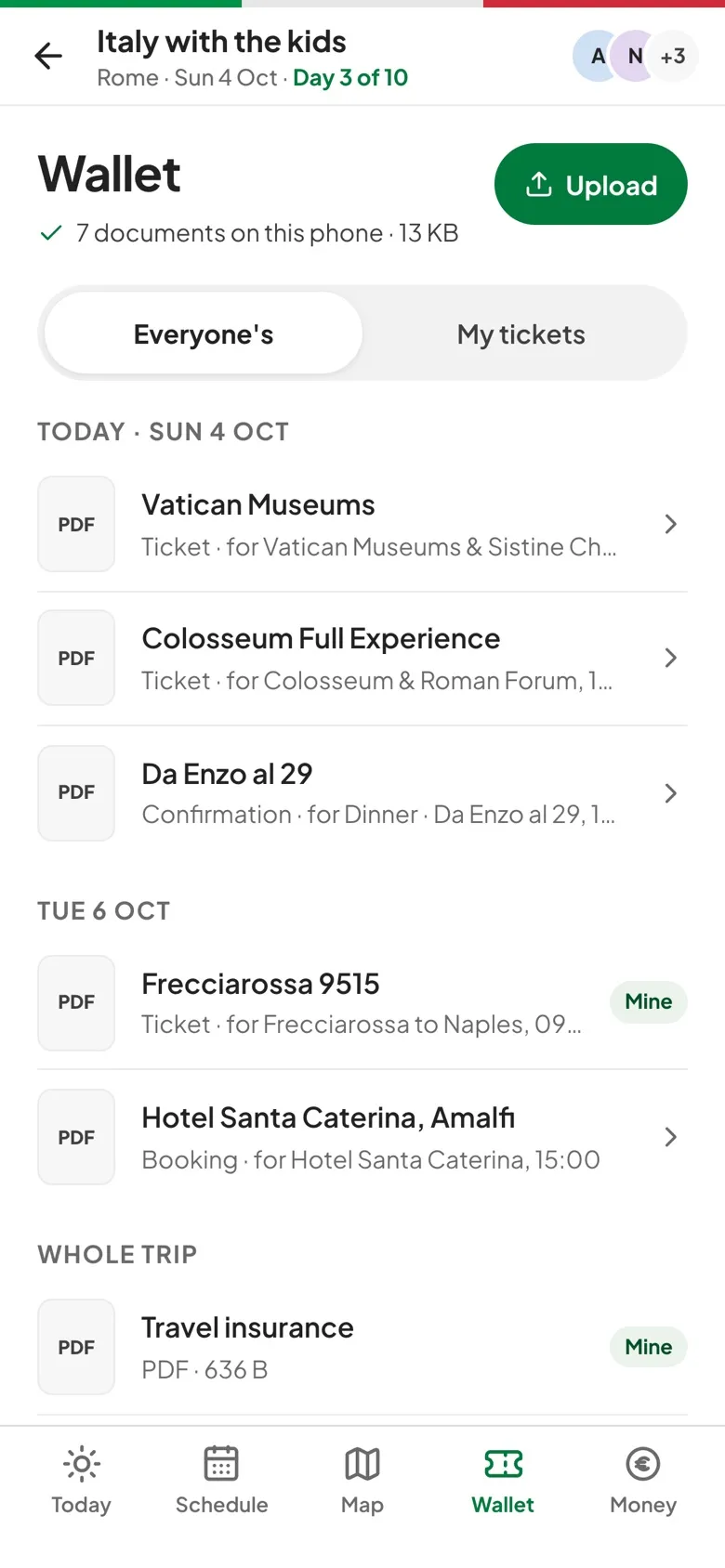
How the Wallet works.
On this phone
The Wallet shows how many documents are saved on this phone and how much space they take, and each one opens without a connection.
My tickets
Switch from Everyone's to My tickets to see only what's marked for you, plus anything that's for the whole group.
Grouped by day
Documents sit under Today and the days after it, next to the plan they're for, with whole-trip papers like insurance at the end.
Upload without signal
A ticket added offline waits under Not uploaded yet and uploads by itself when you're back online, and you can cancel it while it waits.
Three steps to get going.
Take a photo or pick a file
PDF, JPG, PNG or HEIC, up to 20 MB.
Say what it's for
Attach it to a plan and choose whose it is, or leave it for everyone.
Open it on the day
Tap Tickets on the plan, the map stop or the Today screen to go straight to it.
Questions, answered.
When is a ticket saved to my phone?
For trips that are on now or start within 14 days, the app downloads every document while you're online. For trips further away, a document needs a connection the first time you open it, and stays on the phone after that.
Who can add documents?
Organizers and editors upload, edit and delete them. Viewers can open, share and download everything.
Can it import booking emails or add passes to Apple Wallet?
Not yet. It keeps the file you upload, and you can share or download that file from the document view.