The local basics
for every stop on the trip
Weather, money, plugs, emergency numbers and a few phrases for each stop of your trip, on one page.
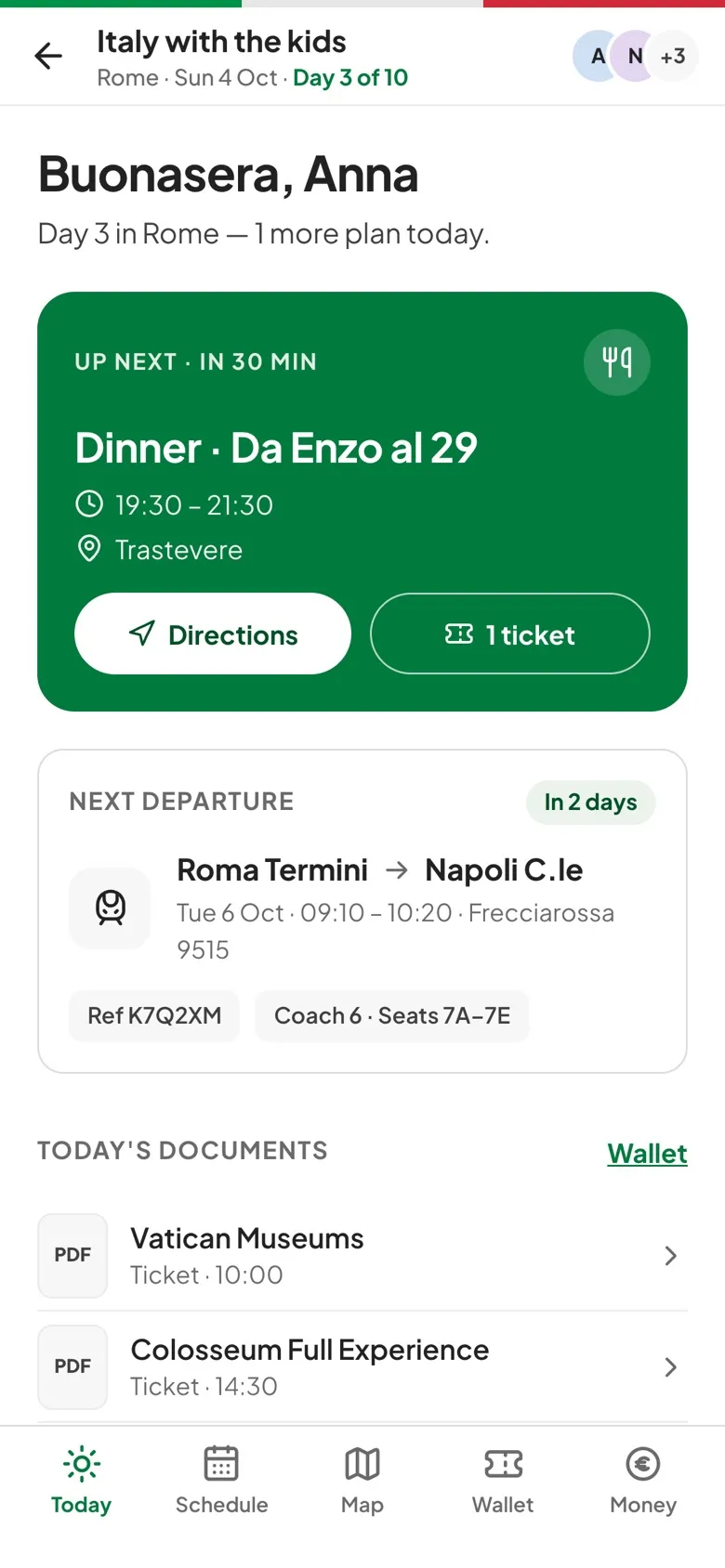
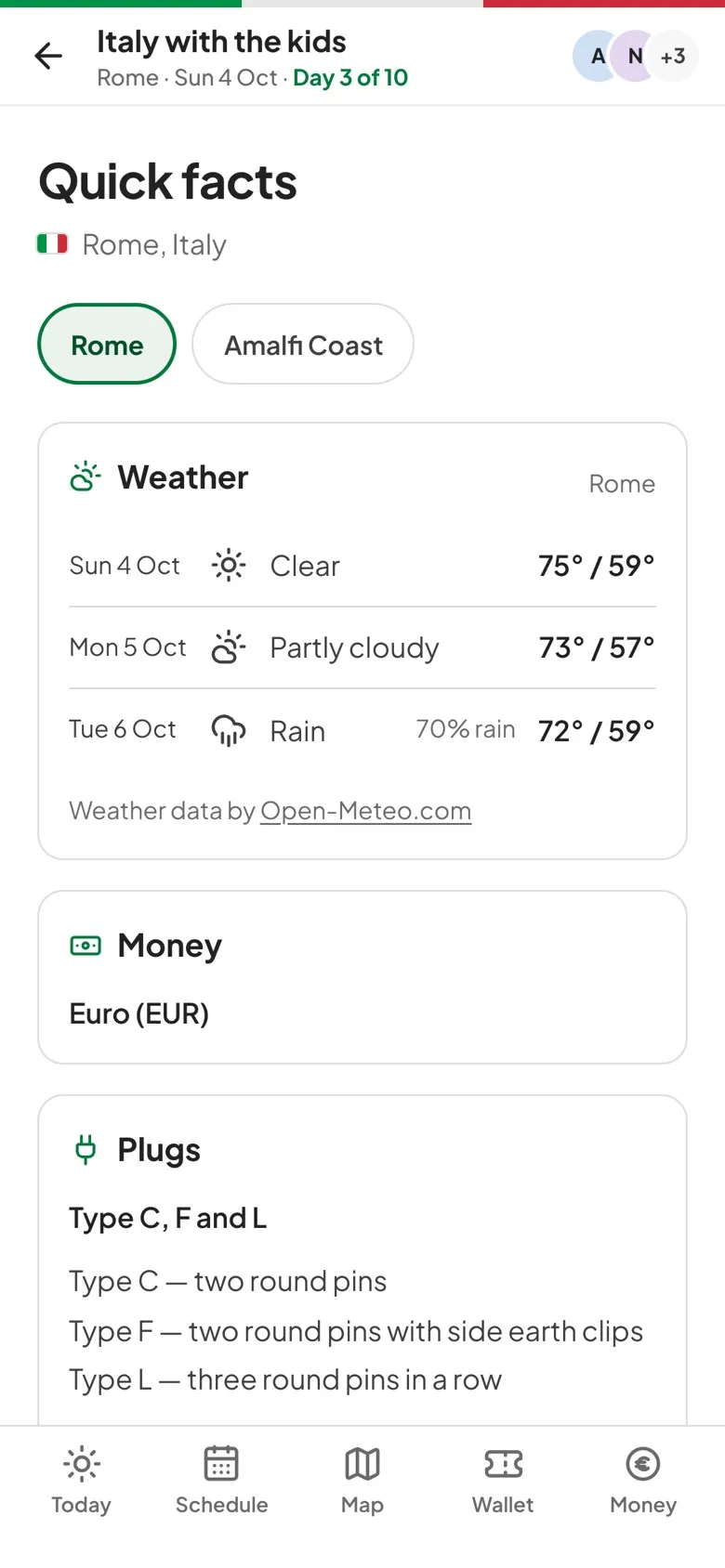
How local facts works.
Forecast or last year
Within 16 days you get a daily forecast, and further out you see last year's highs, lows and rainy days for the same dates.
Money and rates
The local currency is shown with a conversion into your trip's currency, such as what 1,000 yen comes to in euros.
Plugs and voltage
Each plug type used there gets a short description, along with the local voltage and frequency.
Numbers and phrases
Emergency, police, ambulance and fire numbers are tap-to-call, and ten everyday phrases come in 26 languages, with romanization for scripts like Greek, Japanese and Arabic.
Three steps to get going.
Open Quick facts
From the panel on the Today screen, or the Facts button on a computer.
Pick a stop
On a trip with several stops, choose the city at the top.
Check before you go
Look at the weather and plugs while packing, and note the emergency number.
Questions, answered.
Where does the weather come from?
From Open-Meteo, for the stop's city. If the city can't be found, the country's capital is used.
Does it work offline?
Plugs, emergency numbers and phrases come with the app and work offline. Weather and exchange rates show the last saved result.
Does it cover visas, tipping or time zones?
Not yet. Quick facts covers weather, money, plugs, emergency numbers and phrases.