Split the costs,
see who owes whom
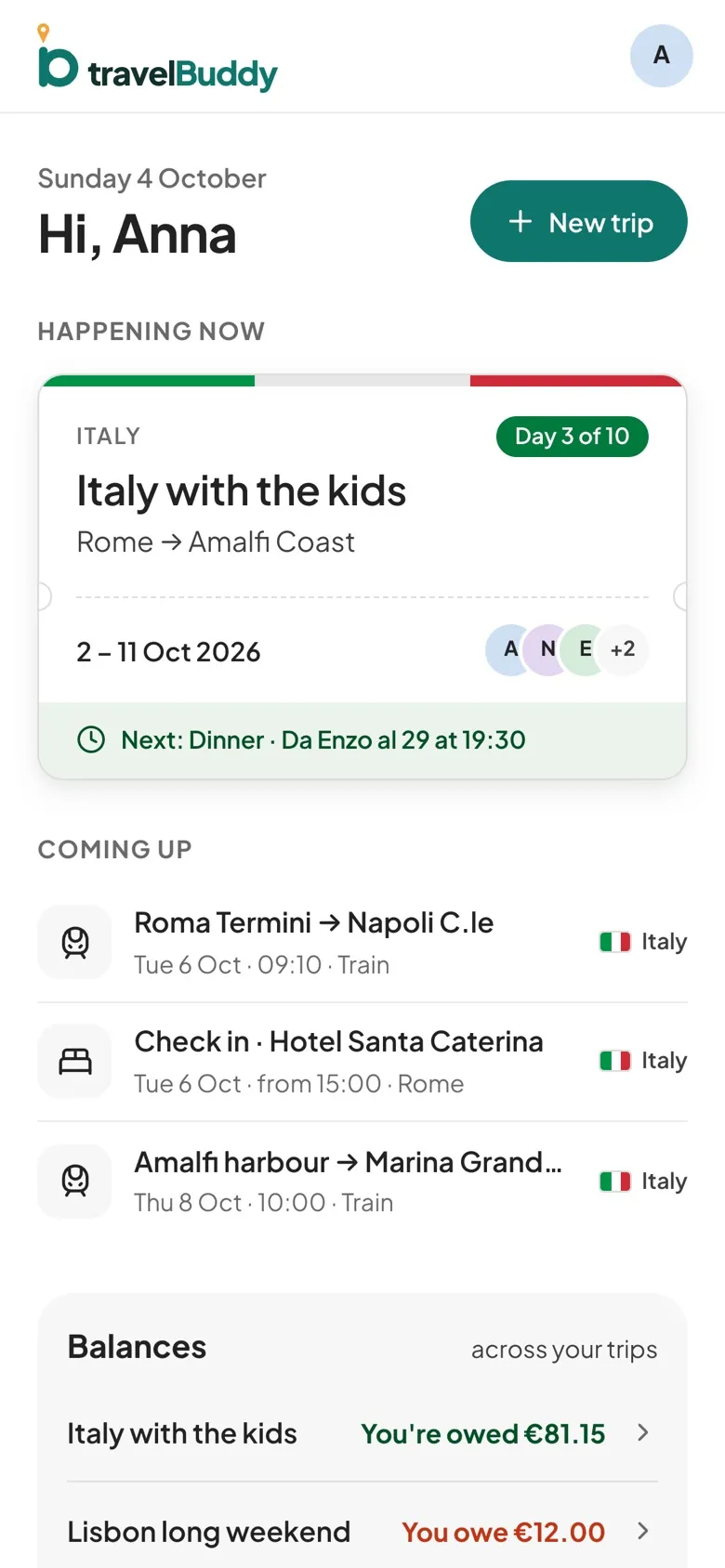
Log what you spend in any of 30 currencies, split it equally or by amount, and see every balance in the trip's own currency.
How split costs works.
Settle up
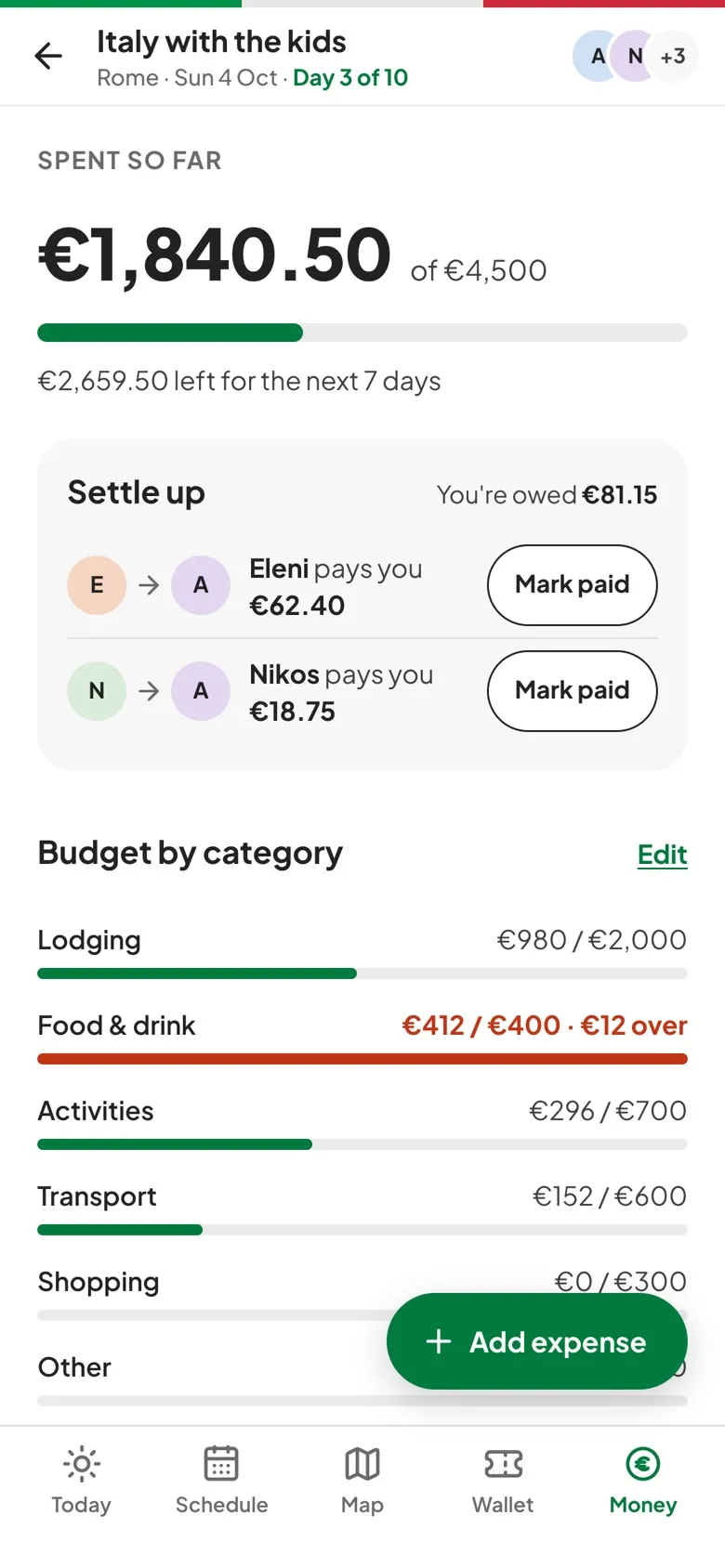
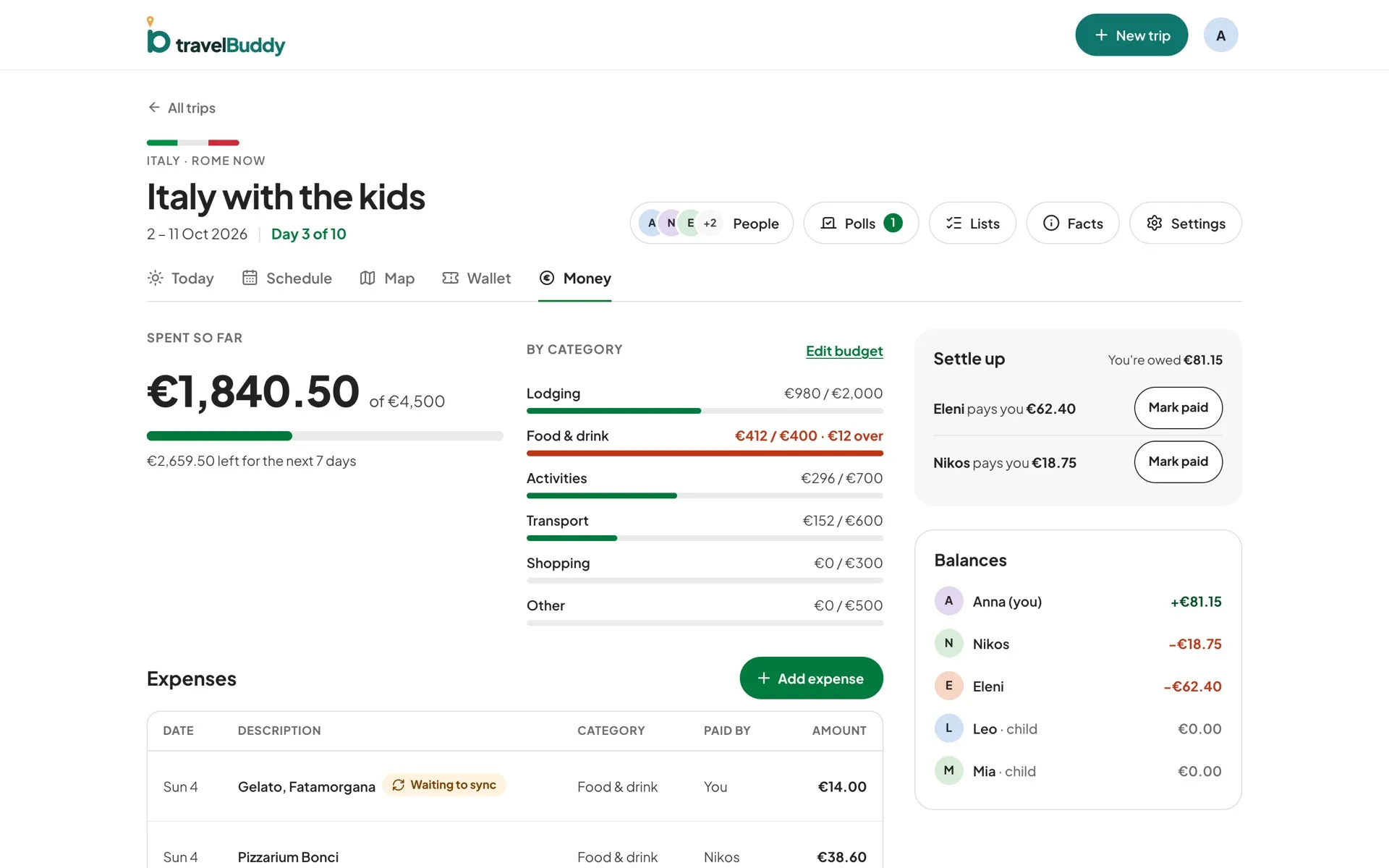
travelBuddy works out a short list of payments that clears every balance, and Mark paid records each one as a settlement.
Budgets by category
Set budgets for lodging, food and drink, activities, transport, shopping and other, and a category that goes over shows in red with the amount over.
Rates locked in
A foreign-currency expense keeps the exchange rate from the day you logged it, which you can edit, so old balances don't shift when rates move.
Add it offline
New expenses and Mark paid work without signal, show Waiting to sync, and send themselves when you're back online.
Three steps to get going.
Set a budget
Enter an amount per category in the trip's base currency.
Add an expense
Amount, currency, who paid, the category and who it's split between.
Settle at the end
Work through the settle-up list and tap Mark paid as each payment is made.
Questions, answered.
Does travelBuddy send or take payments?
No. It keeps track of who paid what. You pay each other however you like, then mark it paid in the app.
Which currencies can I use?
The 30 currencies with daily European Central Bank rates, including EUR, USD, GBP, JPY and CHF. Currencies outside that list, such as AED or VND, aren't supported yet.
Can children be part of a split?
Yes. Children added to the trip without an account can pay for things and share costs. Viewers can see the money page, but only organizers and editors add expenses.